A Day With openSUSE at Polytechnics Mauritius
A full-day open source workshop at the Polytechnics Mauritius campus in Ébène — tracing Linux from Stallman and Minix to a Mauritian gecko on the openSUSE Leap 16.0 wallpaper, packaging FrankenPHP live on the Open Build Service, and spinning up openSUSE on Google Cloud. With Eddy Lareine and Neil Baichoo.
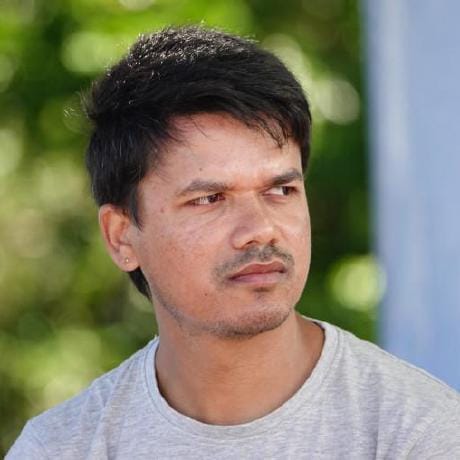
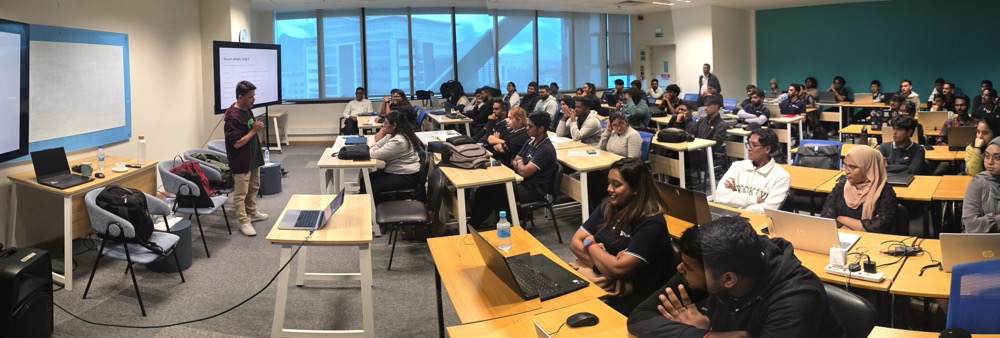
On Wednesday 13 May 2026, I spent the full day at the Polytechnics Mauritius campus in Ébène, running a workshop on open source software with openSUSE as the running thread. Morning and afternoon sessions, two distinct flavours, one community story. The day was organised and facilitated by Nishtee Gopee, Programme Leader of IT & Emerging Technologies at Polytechnics Mauritius, together with lecturers Arun Goorsaha and Salim Soobadar — who kept the energy in the room high and gently nudged every student to participate fully, ask questions, and stay for the demos. I was joined as co-presenter by two openSUSE friends from the local scene: Eddy Lareine and Neil Baichoo.
The Morning: How We Got Here
I opened with history, not commands. You cannot really appreciate why openSUSE looks and behaves the way it does without first understanding the soil it grew from.
So we went back to Richard M. Stallman, the GNU Project, and the four freedoms. Then to the BSD lawsuit that bogged the alternative UNIX world down for years, and to a Finnish student named Linus Torvalds who, while studying operating systems under Professor Andrew Tanenbaum and his teaching OS Minix, decided in 1991 to write his own kernel — "just a hobby, won't be big and professional like GNU."
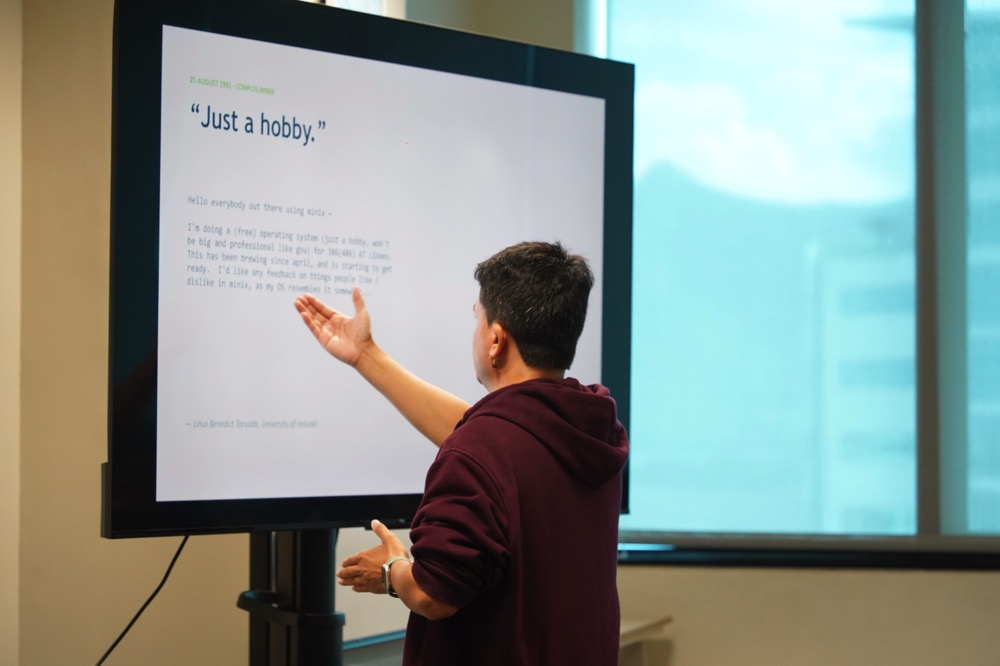
"Just a hobby." — The most consequential understatement in computing history.
From there it was a natural step into software licences — copyleft (GPL family), permissive (MIT, BSD, Apache), and the practical difference for someone who wants to use, modify, or ship code. We covered why the licence on a piece of code is not a detail you skim past, especially if you intend to build a product on top of it.
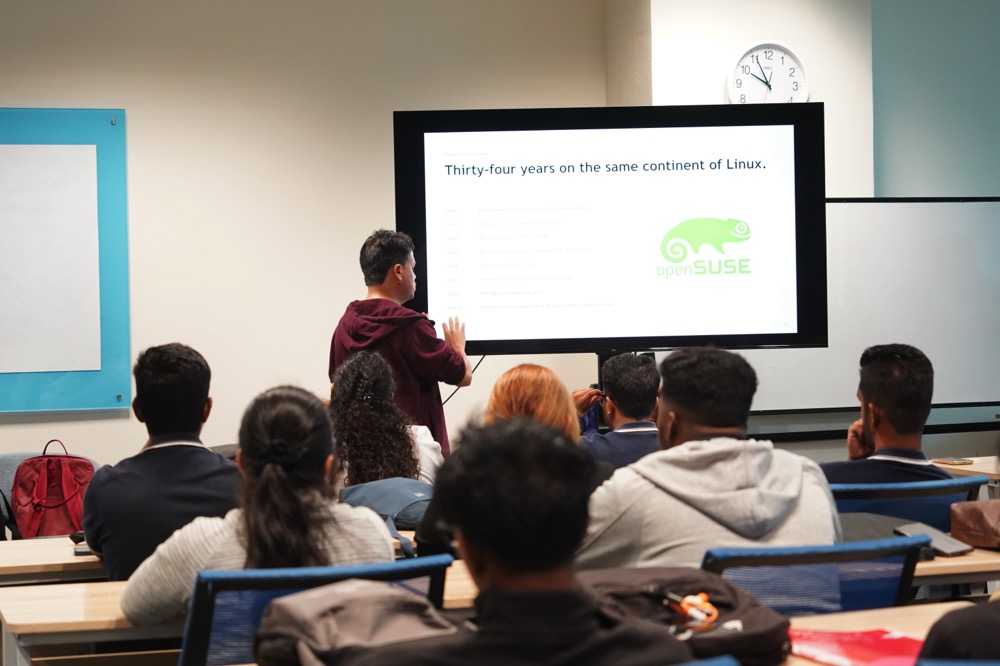
Then I shifted to openSUSE itself — thirty-four years on the same continent of Linux. Four German students starting S.u.S.E. in Nuremberg in 1992. YaST being born in 1994. Novell acquiring SUSE in 2003 for USD 210 million. The openSUSE.org project launching in 2005. EQT buying SUSE in 2018 for USD 2.5 billion. SUSE going public on the Frankfurt stock exchange in 2021. Going private again in 2023. And through all of that corporate motion, the openSUSE Project remaining independent, Board-elected, community-led.
You Are Already Using Open Source
One slide I always enjoy showing is the "you are already using it" slide — the one that ends the imaginary debate about whether open source is mainstream. Android is Linux. Your iPhone has open source at its core. Netflix and Spotify run on it. TLS, OpenSSL and SSH guard every padlock icon you see. The Top500 supercomputers list is now 100 % Linux. Every meaningful AI model and framework — PyTorch, TensorFlow, JAX, vLLM — is open source. Firefox, GCC, LibreOffice, Inkscape, Blender. The audience went quiet for a moment. Good.
Contributing Without Writing Code
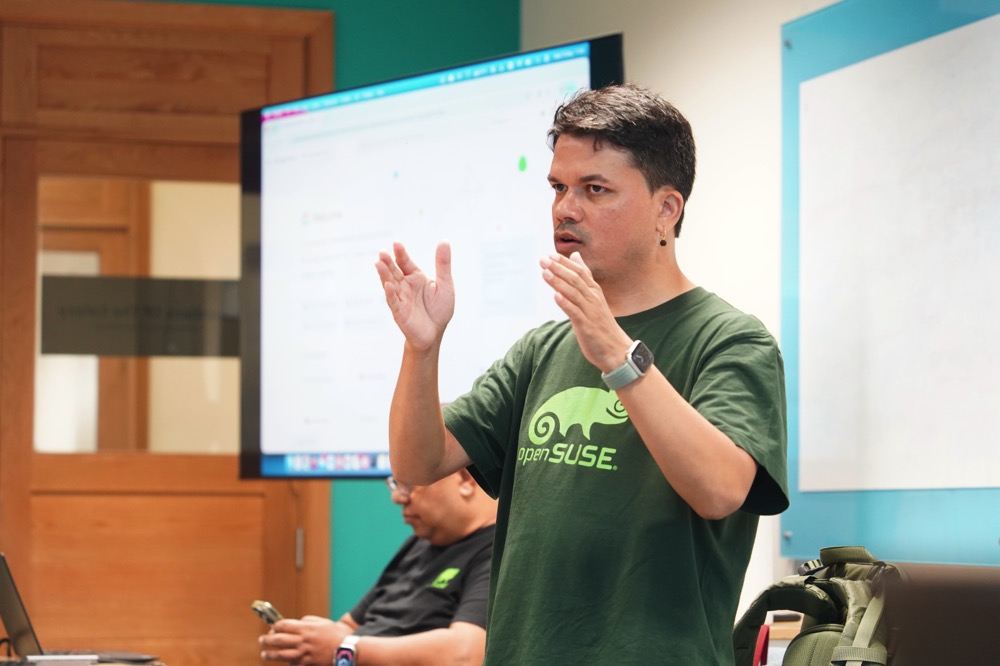
The biggest myth I wanted to dismantle that morning is the one that says you must be a kernel guru to contribute to open source. You don't. I walked the students through the non-coding tracks:
- Wiki and documentation — fixing typos, improving install guides, translating pages.
- Artwork and marketing — designing posters, social cards, release wallpapers.
- Advocacy — speaking at universities (like the one we were standing in), running booths at conferences, evangelising at meetups.
- Helping new users — answering questions on forums, on Matrix, on Discord, on the mailing lists. Mentoring someone through their first install is a contribution.
- Bug triage and testing — running pre-release images, filing reproducible bugs.
Most people who eventually become code contributors started on one of these tracks. That is worth saying out loud in a room of nineteen-year-olds who think the door is closed because they don't yet feel "technical enough".
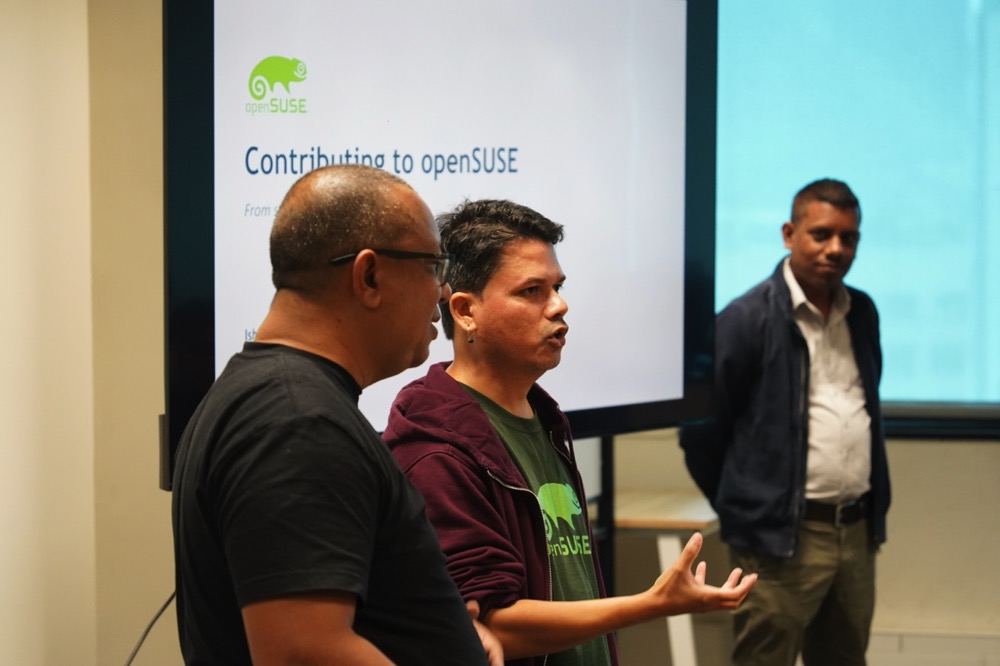
Eddy on the openSUSE Board and Elections
Eddy Lareine then took the floor to talk about governance — the openSUSE Board, why the project has one, how elections are run, and why the rules around them matter. He explained the staggered mandate model: five board members, three-year terms, with a portion of the seats up for election each year. Continuity on one side, fresh ideas on the other. It's a design pattern I would actually borrow for any community of decent size.
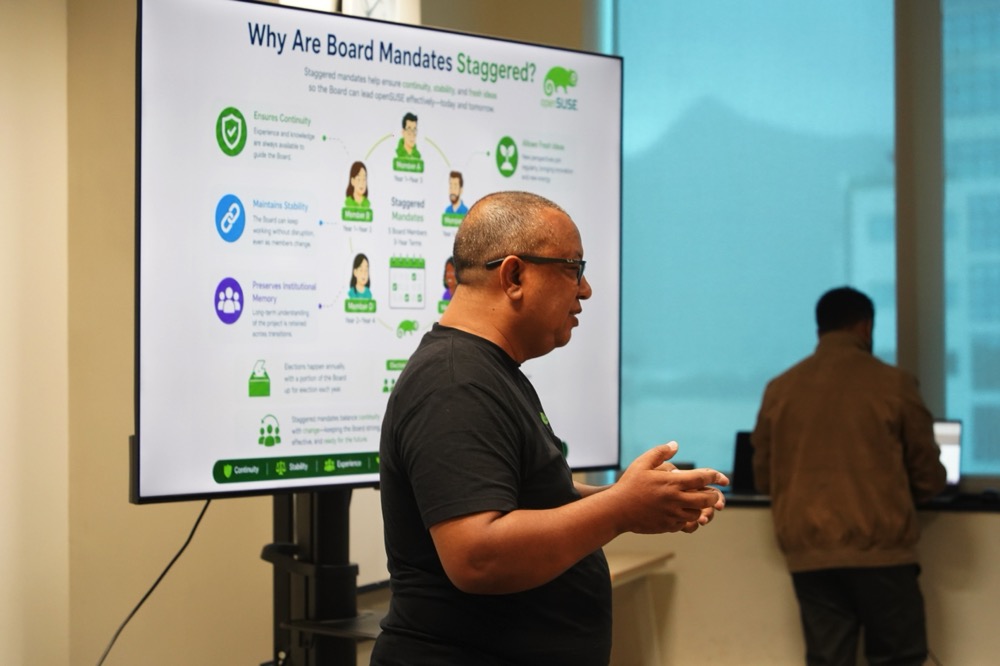
Eddy walking the students through how the openSUSE Board is structured.
For a room full of students who associate "open source" only with code on GitHub, seeing governance — election rules, voter eligibility, candidate manifestos — was a small revelation. Communities are not just code. They are agreements.
The Afternoon: Neil, KDE, and a Gecko on a Wallpaper
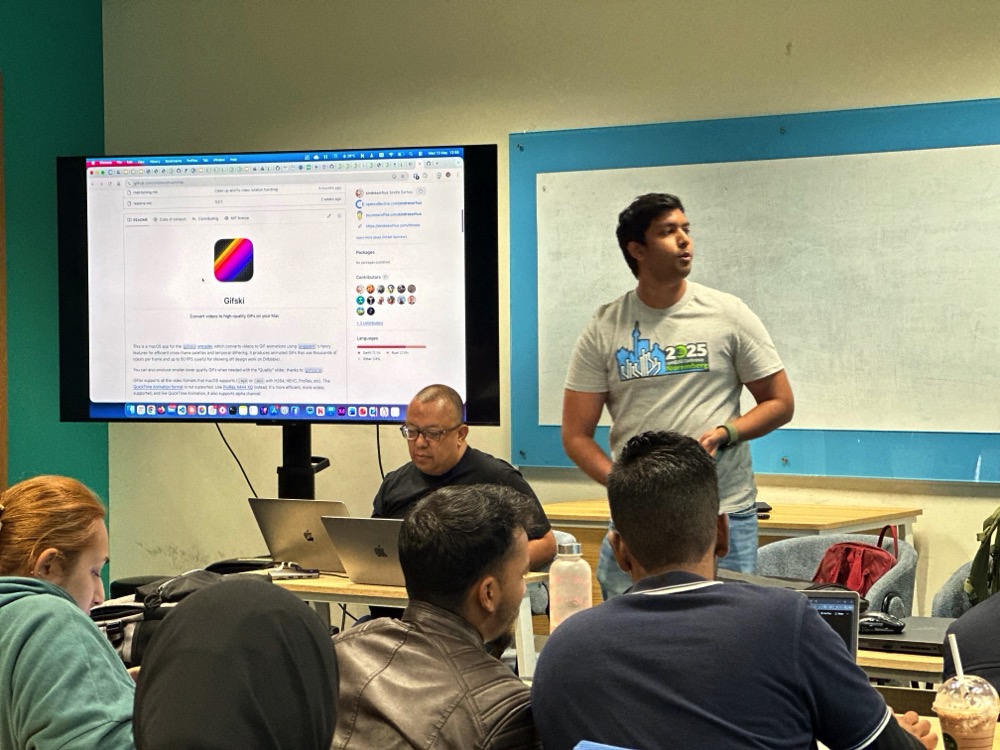
After lunch, Neil Baichoo presented. Neil is a software engineer who programmed in Rust for a specialised database company, and he is a long-time contributor to the KDE project. He opened with a broad look at open source as a whole — hitting a few well-known examples and pulling up their repositories on GitHub so the students could see code from the real world. Then he told his own contribution story in the openSUSE project.
Some time ago, Neil submitted a photograph he had taken of a Mauritius day ornate gecko — the bright green endemic species you see on coconut palms across the island. That photograph was selected and shipped as part of the default wallpaper set in openSUSE Leap 16.0 while the photo credit was attributed to Neil Baichoo.
The room lit up. The idea that a picture taken as a hobby could end up on Linux desktops worldwide was the most concrete demonstration of "your contribution matters" that any slide of mine could ever produce.
Neil also fielded the inevitable career question: "Should I learn Go or Rust to get a head start?" His honest answer — and I agree — was no. The global market for entry-level Go and Rust developers is small. In Mauritius, it is essentially zero. Learn the fundamentals well. Pick languages based on the problems you want to solve, not on hype cycles. Rust is wonderful when you have a reason to need it. PHP, Python, TypeScript, and Java will pay your bills.
The Open Build Service Demo
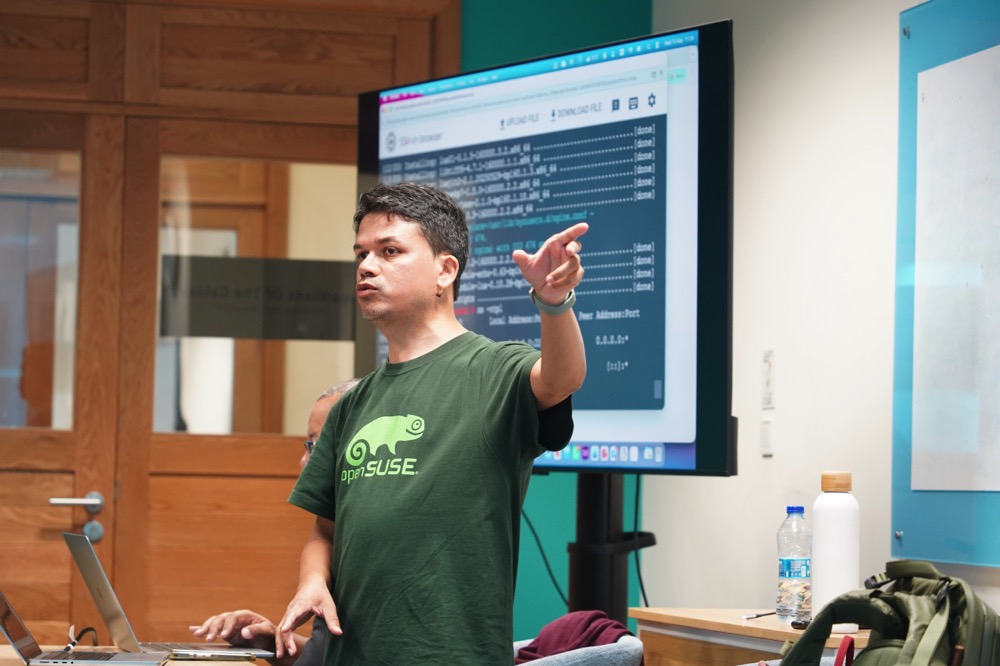
I then ran a live demo on how to package software for openSUSE using the Open Build Service (OBS). OBS is itself an open source project, maintained by the openSUSE community, used to build packages for openSUSE, SUSE Linux Enterprise, Debian, Ubuntu, Fedora, RHEL, Arch and others from a single spec.
The walkthrough covered:
- The OBS web UI at
build.opensuse.org— projects, packages, build results. - The
osccommand-line client — how to authenticate against your openSUSE account, check out a project, edit a.specfile, build locally withosc build, and submit withosc commit. - The anatomy of a
.specfile —Name,Version,Source0,BuildRequires,%prep,%build,%install,%files.
For the demo package, I picked FrankenPHP — partly because it isn't currently in the openSUSE repositories, and partly because it deserves to be. FrankenPHP is a modern, high-performance PHP application server built on top of the Caddy web server, officially supported by the PHP Foundation, and capable of dramatically speeding up Laravel and Symfony applications via its worker mode. Packaging it as a proper RPM means a one-line zypper install frankenphp for every openSUSE user.
I showed the build locally first, then a osc commit against my home project on OBS. Watching the dependency graph resolve and the package compile across multiple distributions and architectures, from a single spec file, is one of those "this is why I love openSUSE" moments.
openSUSE on Google Cloud, in Two Minutes
Several students wanted to know how to get started with openSUSE without re-partitioning their laptops. I switched tabs to the Google Cloud Console and walked them through spinning up a free-tier e2-micro Compute Engine VM with openSUSE Leap 16.0.
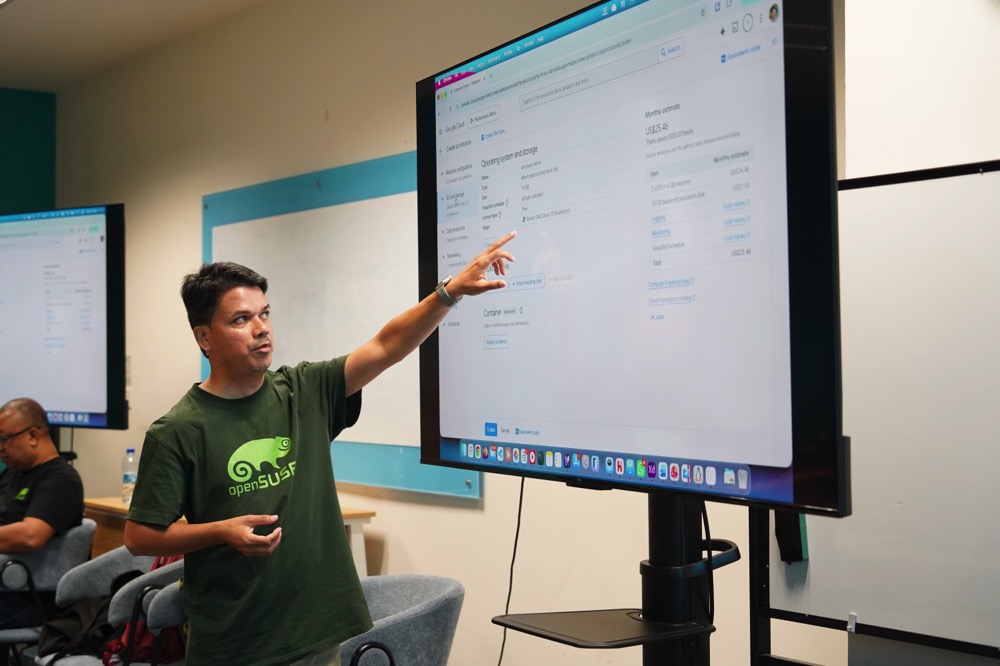
While at it, I clarified a question that comes up surprisingly often: the difference between SUSE Linux Enterprise Server (SLES) and openSUSE Leap on GCP.
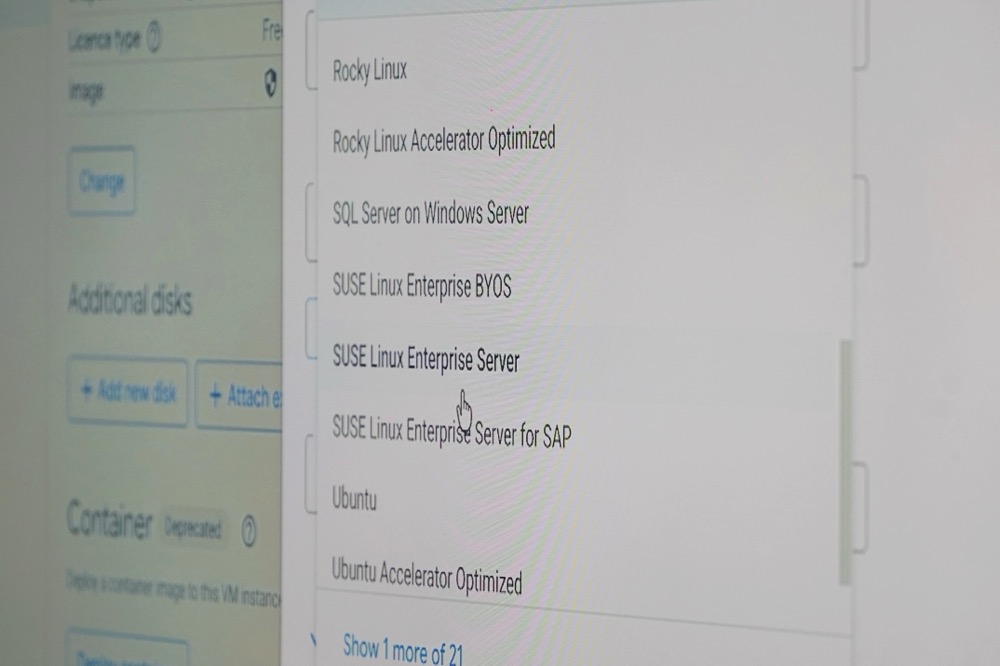
- SLES is the commercial product. The image carries a per-hour licence fee on top of the compute cost, and it ships with SUSA support entitlements. It is what you choose when you are running SAP HANA in production and you want a phone number to call at 3 a.m.
- openSUSE Leap is the community distribution, built from the same SLE codebase. The image is free of licence cost — you pay only for the compute and storage. It is what you choose to learn, to develop, to host your blog, or to build RPMs.
For a student on a free trial, openSUSE Leap on e2-micro in us-central1 (one of the free-tier regions) is the right starting point.
What Didn't Quite Go to Plan
Several students were keen to install openSUSE Leap 16.0 locally in VirtualBox. In theory: download the ISO, boot the VM, install. In practice, on a Wednesday at Polytechnics, three things went wrong:
- The campus Internet connection wasn't generous. Half the ISO downloads finished with corrupt images that failed checksum verification (or worse, booted into installer errors).
- Several laptops simply did not have enough free RAM or disk to give a VM a comfortable 4 GB / 20 GB allocation.
- The few that did succeed spent fifteen minutes in installer screens instead of actually using openSUSE.
This is the part of the day I will fix for next time.
Lessons Learned — A Browser-Based openSUSE Playground
The takeaway from the afternoon is clear: for a workshop setting, full local installation is the wrong shape of the problem.
What I want to build before the next session is a small web tool that drops a student straight into a fresh openSUSE Leap container running in their browser — a terminal in a <div>, a real shell on the other end, zypper working, osc pre-installed, no download, no ISO, no checksum failures, no VirtualBox.
Fast, fun, and productive. That's the shape of the next openSUSE workshop in Mauritius.
Closing Thoughts
A whole day workshop is a long time on your feet, but the energy in the room kept me going. Students who came in thinking "Linux is what servers run" left understanding that Linux is what everything runs — and that they have a seat at the table from day one, whether they write code, write documentation, take photographs of geckos, or simply show up to help someone else install their first distro.
A big thanks to Polytechnics Mauritius for hosting us at the Ébène campus, to Nishtee Gopee, Arun Goorsaha and Salim Soobadar for organising the day and bringing such an engaged cohort into the room, to Eddy and Neil for joining as co-presenters, and to every student who stayed past 4 p.m. to ask "one more question" at the front of the room.