/journal/google-cloud-platform/
From Flask to Cloud Run: A Workshop at ALCHE Mauritius
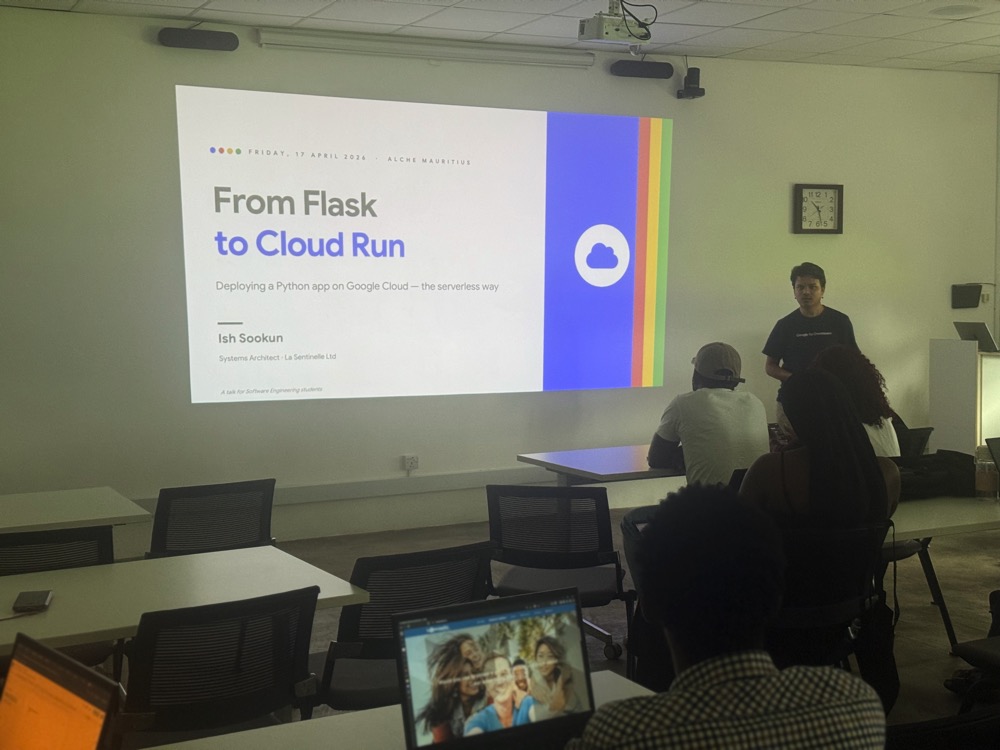
On Friday 17 April 2026, I delieverd a technical workshop at the African Leadership College of Higher Education (ALCHE) in Pamplemousses. The topic: taking a Python Flask application from a developer'...

On Friday 17 April 2026, I delieverd a technical workshop at the African Leadership College of Higher Education (ALCHE) in Pamplemousses. The topic: taking a Python Flask application from a developer's laptop all the way to a live, publicly accessible URL on Google Cloud Run, backed by Cloud SQL for PostgreSQL. Sixteen students from the Year 2 Software Engineering cohort attended.
How it came about to be?
A few weeks ago, I had a conversation with Allan, Programme Officer for Software Engineering at ALCHE, about Google Cloud Platform and specifically how students could make use of the Free Trial and Free Tier services to deploy their school projects. He walked me through the typical stack the students work with — Python, Flask, HTML, CSS, JavaScript — the standard university curriculum. The natural next step felt obvious: let's show them what happens after the code is written.
I pitched the idea of a session focused on making your app accessible to people on the Internet, and Allan was on board.
I wasn't presenting alone. Eddy, IT Director at La Sentinelle and a certified Google Cloud Architect, joined as co-presenter. He kicked things off with an introduction to cloud computing in general before narrowing in on GCP, which was exactly the warm-up the audience needed before I dove into the more specialised services.
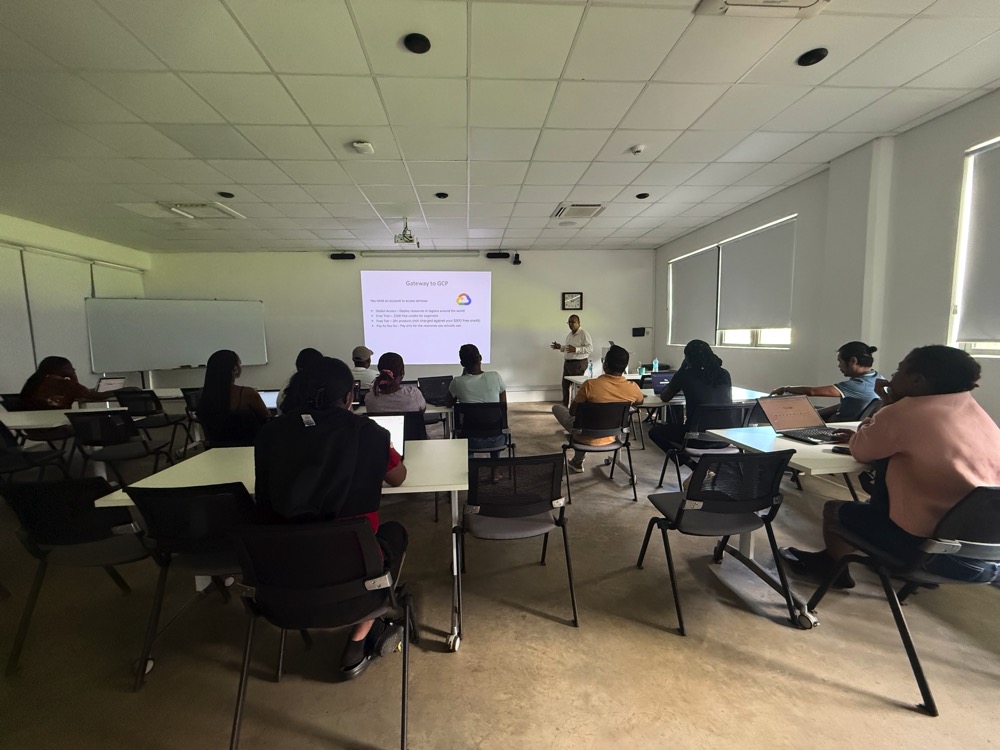
His segment covered Regions & Zones — a topic that trips up a lot of beginners. Not all GCP services are available in all regions, pricing varies, and critically, Free Tier services are constrained to specific regions. If you're a student in Mauritius spinning up a Cloud Run service and you pick the wrong region, you might burn through your free credits faster than expected. That context mattered.
The Demo App: Petrol Watch
I always prefer to demo with something tangible. The week I was planning the workshop, a petrol price hike had just been announced — so I built Petrol Watch, a small Flask application backed by PostgreSQL that tracks fuel prices published by the State Trading Corporation (STC) going back to 2004.
Although I'm a Laravel person at heart, I built this in Flask so the students could follow along with the stack they already know. It felt right to meet them where they are.
Containers: The Full Picture
Before touching a single GCP service, I spent time on containers — what they are, where they came from, and why they matter.
I explained that a container image is simply your code, your runtime, your system libraries, and a minimal base OS image bundled into a single portable artefact. The same image runs on your laptop, your colleague's Mac, and Google's servers. The "it works on my machine" excuse disappears.
Then came the history lesson. Containers didn't start with Docker. I walked them through:
- Unix chroot — the earliest form of process isolation
- BSD Jails — proper containerisation before Linux had it
- Linux Namespaces — the first namespace (
mount) arrived in kernel 2.4.19 in August 2002; by kernel 2.6.24, the full suite of namespaces (PID, network, IPC, UTS, user) was in place, completing the isolation story - cgroups — introduced in 2006, giving the kernel the ability to limit and account for the resources a group of processes can use; together with namespaces, this is the technical foundation everything else builds on
- Docker — popularised containers by wrapping the complexity in a usable developer experience
I made a point of clarifying something that often causes confusion: Docker is a brand name, not a technology. The same instructions you put in a Dockerfile can equally live in a file named Containerfile — the Containerfile specification from the containers/common project formally defines this format, and tools like Podman and Buildah default to looking for a Containerfile first before falling back to Dockerfile. Docker, by contrast, only looks for Dockerfile. The syntax is identical — it's purely a naming convention, but it reflects a broader and healthier ecosystem that isn't tied to any single vendor. The industry has standardised on the Open Container Initiative (OCI) format for images, so whichever tool you use to build, you're not locked in.
I touched on Kubernetes as well — but deliberately kept it as a signpost to an advanced future topic. When you're deploying a single container application, Kubernetes is not the right starting point.
The Deployment Spectrum
One slide I always find useful is the deployment spectrum:
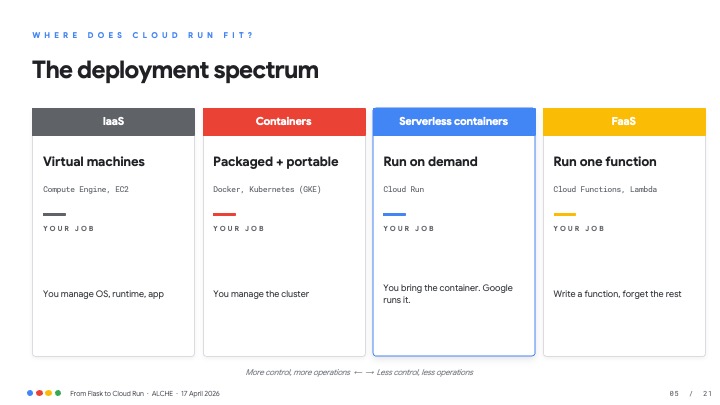
Cloud Run sits in the sweet spot for most student projects and even a good chunk of production workloads: bring a container, Google handles everything else.
The Dockerfile
Cloud Run has exactly one requirement: a container image. Here's the Dockerfile I showed the students for Petrol Watch:
FROM python:3.14-slim

ENV PORT=8080 PYTHONUNBUFFERED=1

WORKDIR /app
COPY requirements.txt .
RUN pip install --no-cache-dir -r requirements.txt
COPY . .

CMD exec gunicorn --bind :$PORT --workers 2 \
       --threads 4 --timeout 0 app:app
A few things worth highlighting:
python:3.14-slim— a smaller base image means faster cold starts and a smaller attack surface.$PORT— Cloud Run injects this environment variable. Never hard-code port 5000. Your container must listen on whatever$PORTsays.- Gunicorn — Flask's built-in development server is not for production. Gunicorn is. I took a moment to explain why: a web server like Apache httpd or Nginx is very good at serving static files efficiently, but it has no built-in way to execute Python code. That's where WSGI — the Web Server Gateway Interface — comes in. WSGI is a standard protocol (defined in PEP 3333) that acts as a bridge between the web server and your Python application. Gunicorn is a WSGI server: it sits between the network and Flask, receives HTTP requests, calls your application code, and returns the response. In the Cloud Run context, Gunicorn is the entry point — there's no separate Nginx in front of it — but the principle is the same one students will encounter whenever they deploy Python apps on a traditional server.
I also explained what happens when you build the image: you get layers — files, directories, and an overlay filesystem. Each instruction in the Dockerfile adds a layer. I explained the role of container registries (Artifact Registry on GCP, Docker Hub elsewhere) as the distribution mechanism — you push your image there, and Cloud Run pulls it.
Cloud SQL: Managed Postgres Without the 3 a.m. Alerts
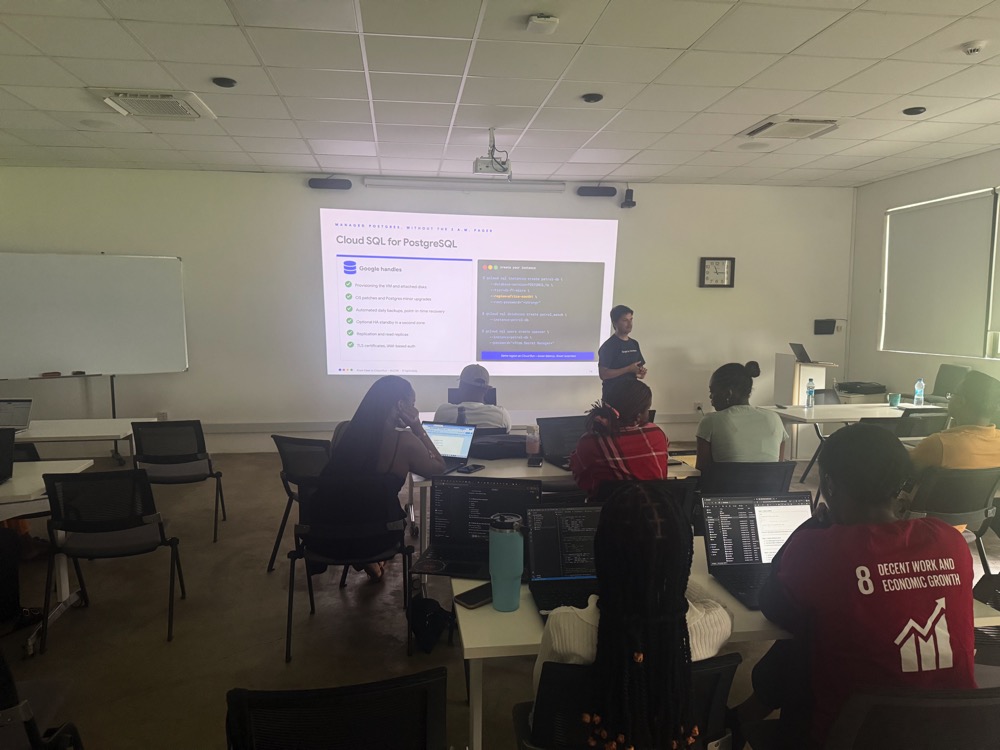
Deploying the database was almost the more interesting part of the session. I showed them how to spin up a Cloud SQL PostgreSQL instance using the gcloud CLI:
gcloud sql instances create petrol-db \
    --database-version=POSTGRES_16 \
    --tier=db-f1-micro \
    --region=africa-south1 \
    --root-password="<strong>"

gcloud sql databases create petrol_watch \
    --instance=petrol-db

gcloud sql users create appuser \
    --instance=petrol-db \
    --password="<from Secret Manager>"
The db-f1-micro tier is modest — it's the "tiny" instance I referenced throughout the session — but it's sufficient for a demo and keeps costs near zero. Same region as your Cloud Run service means lower latency and no cross-region egress charges.
Wiring It All Together
Deploying to Cloud Run is a single command:
gcloud run deploy petrol-watch \
     --source . \
     --region=africa-south1 \
     --add-cloudsql-instances=lsl-it:africa-south1:petrol-db \
     --set-env-vars=DB_NAME=petrol_watch,DB_USER=appuser \
     --set-secrets=DB_PASSWORD=petrol-db-pass:latest \
     --allow-unauthenticated
--source . tells Cloud Build to detect the Dockerfile, build the image, and push it to Artifact Registry — all automatically. --add-cloudsql-instances opens a secure Unix socket to Cloud SQL with no public IPs and no passwords on the wire.
Sidecar Containers and One-Shot Jobs
One concept I introduced was sidecar containers — the Cloud SQL Auth Proxy that Cloud Run injects alongside your app container to handle the database connection securely. Your app.py just connects to a local Unix socket. Google's sidecar handles the TLS and IAM authentication. You write boring, straightforward code.
I also explained how you can create single-use containers — Cloud Run Jobs — designed to run once and exit. The canonical use case: running database migrations and seeding data before your service goes live. Not everything needs to be a long-running HTTP server.
Secrets: The One Non-Negotiable
I spent a slide on this because it matters and students often get it wrong the first time:
# Store once in Secret Manager
echo -n "Sup3rS3cret" | gcloud secrets \
    create petrol-db-pass --data-file=-

# Wire it into Cloud Run at deploy time
--set-secrets=DB_PASSWORD=petrol-db-pass:latest

# In app.py — just read an env var
os.environ['DB_PASSWORD']
Never commit credentials to Git. Not even in a student project. Git history is permanent, and sharing your screen during a Friday demo is enough to leak a password. Secret Manager is versioned, auditable, revocable, and free for the first handful of secrets.
The Questions They Asked
The 2-hour session ended with a Q&A, and the students' questions were genuinely good:
Managing cloud costs came up immediately. I walked them through the Free Tier limits — 2 million Cloud Run requests per month, 360,000 GB-seconds of memory, 180,000 vCPU-seconds — and reiterated the importance of Eddy's earlier point about choosing the right region.
Processing large datasets was the other big one. A group mentioned they had a project involving a 120 MB CSV file. I smiled. I told them the real world is considerably harsher than that — production datasets that would make a 120 MB file look like a hello world. The lesson: Cloud Run has a 60-minute request timeout, and long-running jobs belong in Cloud Run Jobs or Cloud Tasks, not a synchronous HTTP handler.
Reflections
Workshops like this are why I enjoy the community side of my work. These students are building with the same stack that runs production systems — Python, PostgreSQL, containers. Giving them a path from "it works on my laptop" to a live HTTPS URL, covered by Google's infrastructure, in under two hours, felt worthwhile.
If you're an educator or a developer community organiser in Mauritius and want to run something similar, reach out. I'm happy to do it again.
Resources mentioned during the workshop:
- Cloud Run documentation
- Cloud Run + Cloud SQL quickstart
- GCP Free Tier details
- Petrol Watch source code