Essential Linux Skills for Google Cloud Platform — DevCon 2026
My first talk as a Google Developer Expert in Cloud: the Linux skills that matter most on GCP, delivered to a packed room at the Developers Conference 2026 in Mauritius.
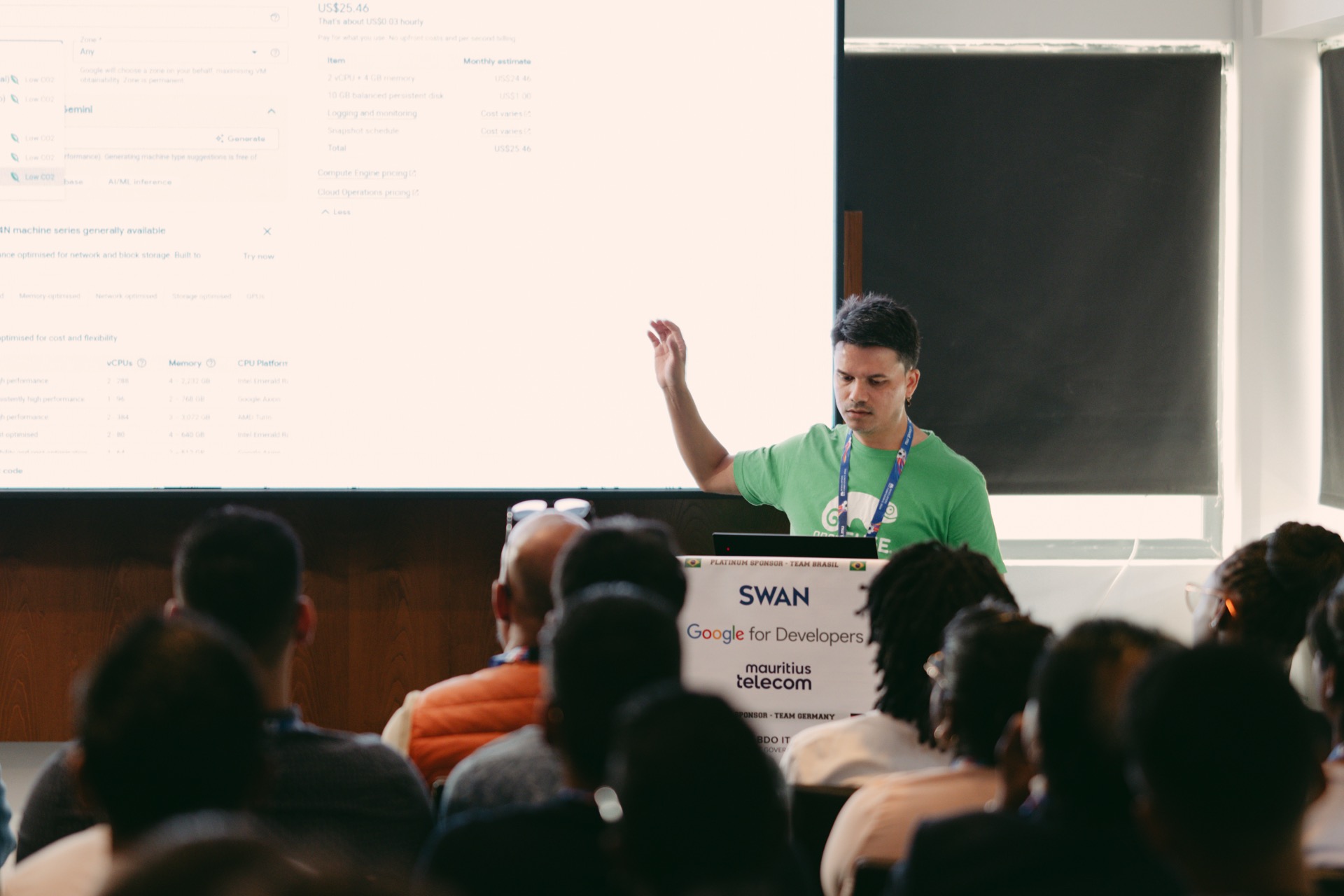
On Thursday, 23 July 2026, at 1 p.m., I walked into the Educator 1 room at the Voilà Hotel in Bagatelle to deliver a talk I had been looking forward to for weeks: Essential Linux Skills for Google Cloud Platform, at the Developers Conference 2026.
It was a first for me in more ways than one. Six days earlier, on Friday 17 July, I received the email confirming my acceptance as a Google Developer Expert in Google Cloud — Modern and Enterprise Infrastructure.
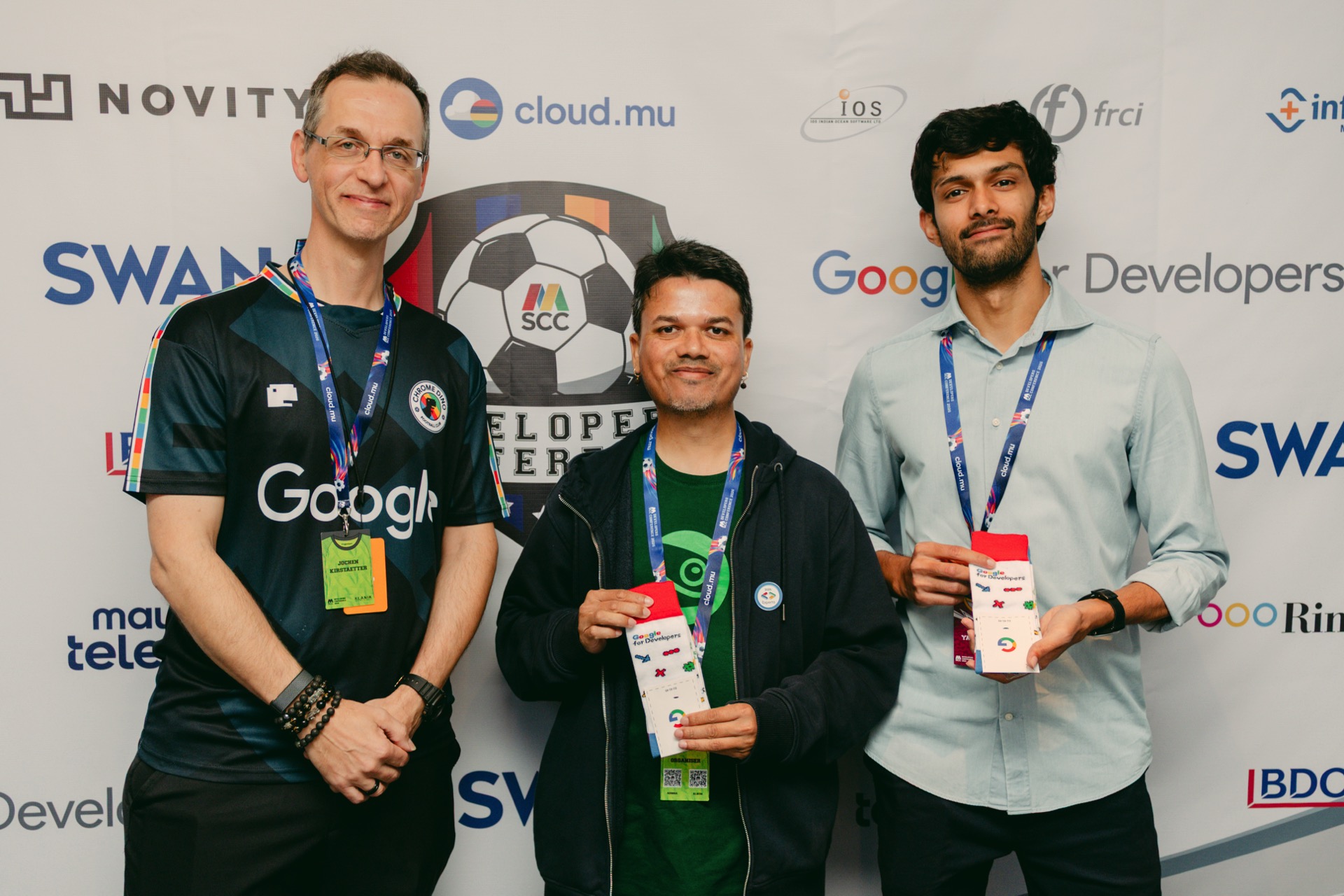
DevCon 2026 was my first GCP talk wearing that hat, and I will admit the timing made the session feel special. The photo was taken on Day 3, since the new GDE announcement was made during the Google keynote.
A packed room, and a lot of new faces
The room filled up quickly — with a young audience, many of whom I saw for the first time. After years in the local community — MSCC, DevCon, DevFest, openSUSE, Cloud Native, meetups — you start to recognise everyone.
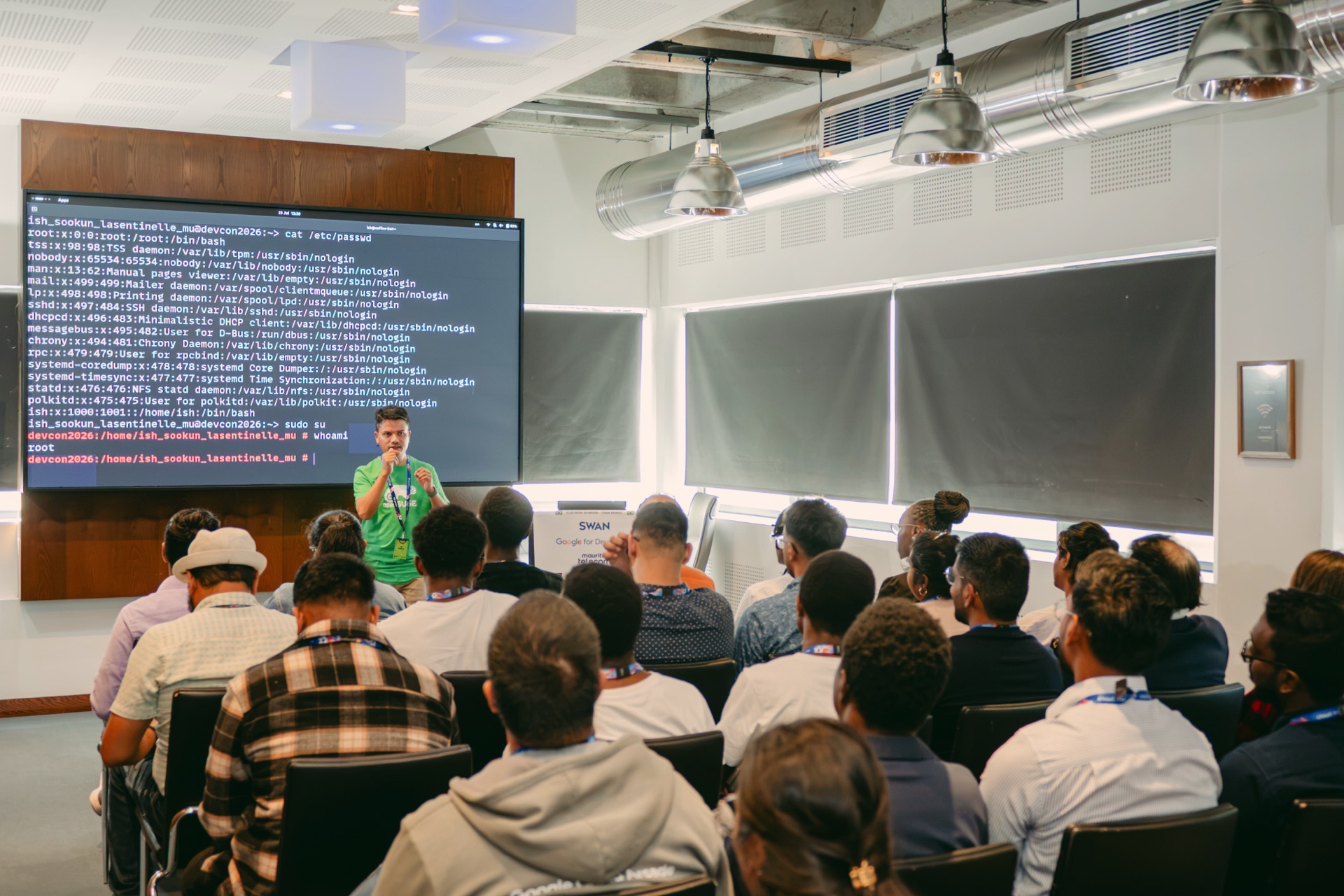
Thursday afternoon was the opposite of that, and it was genuinely encouraging. There is a new generation coming up that wants to do infrastructure work, and they showed up at 1 p.m. on a working day to learn Linux.
The premise: the cloud didn't replace Linux — it runs on it
That was the line on my title slide, and the whole talk hangs on it. Roughly 90% of public-cloud workloads run on Linux. Every GKE node boots a Linux kernel. Every container on Cloud Run or GKE is a Linux process in namespaces and cgroups. Abstractions leak, and when a deployment fails at 2 a.m., the fix is almost never a button in the console — it's a Linux skill.
So rather than a deep-dive on any one tool, I gave the room a skills map:
- Level 1 — VM operations: SSH and key management, packages
(
apt/zypper/dnf), files, permissions,sudo, disks and mounts. - Level 2 — Services and network: systemd units, firewalls at both layers,
sockets with
ss, logs withjournalctl. - Level 3 — Containers and GKE: containers as Linux processes, images as packaged Linux. Your VM skills transfer; GKE stops being magic.
Six demos, under two minutes each
I kept the talk hands-on with six short live demos on africa-south1:
- Compute Engine — create a VM and get a shell entirely from
gcloud, with image families so you never chase image names. Ubuntu 24.04 for the demo, with a nod to--image-family=opensuse-leapfor those who know better. 😄 Rather than let the command scroll past, I read it out in plain English — create an instance, in this zone, of this machine type, from this image family, published by this project — so nobody had to guess what a flag did. Being able to read a command and translate it into the actions it performs is an acquired skill, and a valuable one. It comes with time and repetition. - OS Login — IAM as your new
/etc/passwd. I took a short detour first through how SSH keys actually work: what the public key does, what the private key never does. Then a light touch on PAM and the Google Cloud guest agent, which is what allowsgcloudto handle authentication instead of leaning on a local Unix account. Then the proof — I logged into the instance from the first demo with no Unix account on the system, no SSH key on it and no password. No key sprawl, instant revocation, every login in Cloud Audit Logs.roles/compute.osLoginfor a shell,osAdminLoginfor sudo. - systemd and journalctl — the plan was to install nginx, break it and
triage it live, but the clock said otherwise. So I stayed on the instance we
already had and read the OpenSSH logs and the PAM entries written the moment I
connected through OS Login — the same authentication path we had just talked
about, now visible in the journal. The three filters that solve most
incidents:
-ufor one unit,-p errfor errors only,--sinceto bound the window. - Networking — two firewalls, one mental model. I covered
ufwandfirewalldand the job each one does, then made the case for filtering a layer higher. If you handle everything at the instance, a heavy traffic attack still reaches your VM and your CPU peaks filtering out the nonsense. Push it to the Cloud Firewall and GCP absorbs that pressure before it ever touches you — and the rules stay one command away. The heuristic that saves hours: a timeout usually means the VPC firewall dropped your packets, a connection refused means you reached the host and nothing was listening.ss -tulpnsettles the argument. - Storage — grow a disk with zero downtime: resize the Persistent Disk,
then
growpart, thenresize2fs(orxfs_growfs). Best wow-per-second of the session. - Observability — install the Ops Agent and watch journald entries land in
Cloud Logging, then query the whole fleet with
gcloud logging read. Your Linux logging knowledge doesn't get replaced in the cloud, it gets multiplied.
A few things needed no demo but earn their place in the muscle-memory layer:
chmod / chown / umask (where most "the app can't write" bugs live), sudoers
drop-ins instead of editing /etc/sudoers, grep -r and tail -f for text
triage, and systemd timers over cron — logged, dependency-aware, testable.
For those coming from Windows
Instead of arguing the case, I opened top500.org live and generated a list of the world's 500 fastest supercomputers with the operating system and operating system family columns showing. The most recent benchmark had been published in June 2026, only weeks before the talk. No surprise to anyone who follows this list: all 500 of them run a variant of Linux. Five hundred out of five hundred.
It makes the point better than I could. The machines at the very top of the field and the VM we had spun up ten minutes earlier on Compute Engine speak the same language.
Homework
I closed with a ten-item checklist, one skill per evening on the free tier: from
"create and SSH into a VM entirely from gcloud" to "explain why a container is
just a Linux process." Tick all ten and you're production-ready on GCP —
everything else is depth, not breadth.
The Q&A ran the full ten minutes, with the expected and very welcome question about which distributions we run in production and why.
Thank you to everyone who came, and to the DevCon team for another well-run edition. The slides are on their way here, and the small workaround needed to get the Ops Agent repo script happy on openSUSE Leap 16 deserves a post of its own.
The cloud is someone else's computer. It still speaks Linux.